
Click to download now, finish the installation quickly, and directly unlock the all-round experience
Screenshots
Click to download now, finish the installation quickly, and directly unlock the all-round experience
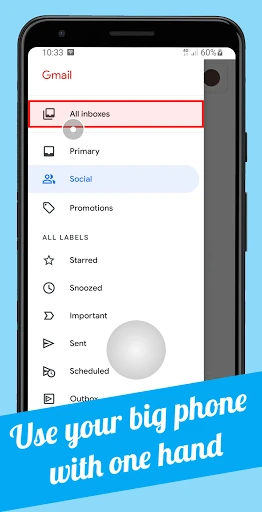
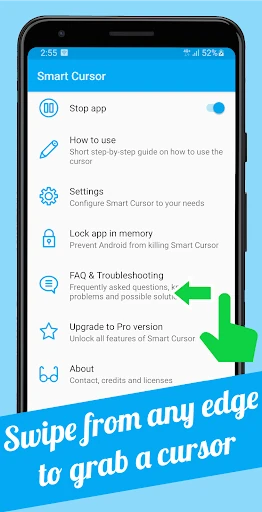
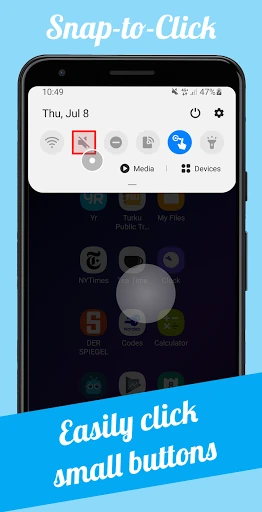
Smart Cursor: One-handed mode is a Tools app from Phone Phreak for people who find large Android screens difficult to operate with one thumb. It places a movable tracker in the lower part of the display, letting you guide a cursor across areas that would normally require stretching your hand. This can help with small buttons, navigation controls, and other elements near the top edge.
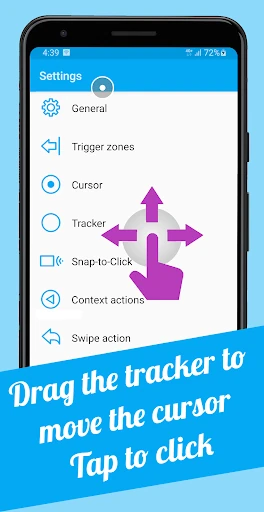
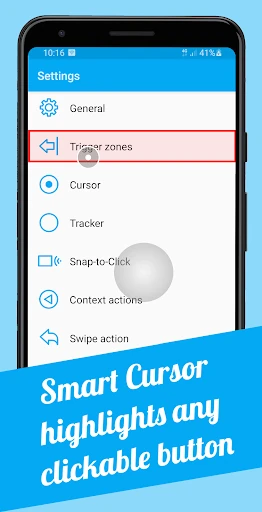
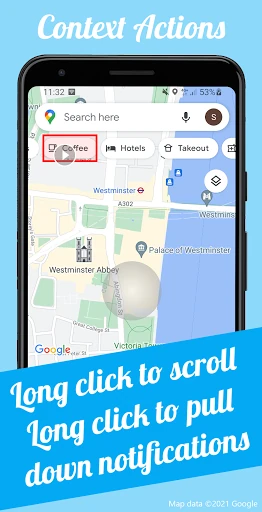
You control the pointer by dragging the tracker from the lower portion of the screen. The app can highlight and snap toward selectable controls, making precise taps easier when an icon or button is hard to reach. Its long-press actions can also handle context-sensitive tasks, such as scrolling or expanding notifications, where supported.
Smart Cursor: One-handed mode has a rating of 3.82 out of 5 from 639 reviews and has been installed more than 100,000 times. It suits users with large phones, limited thumb reach, or a preference for one-handed navigation. There is a short adjustment period while learning to move the tracker and select controls accurately, but the approach is straightforward once the gesture becomes familiar.